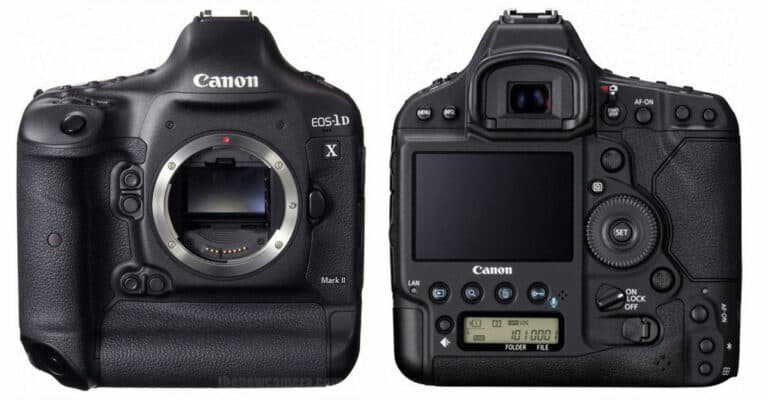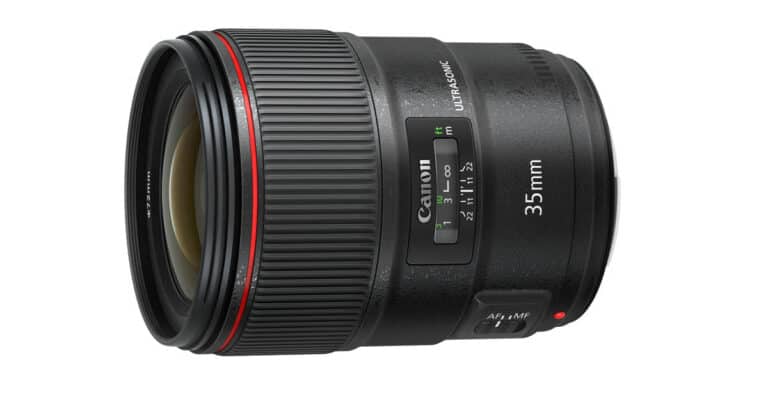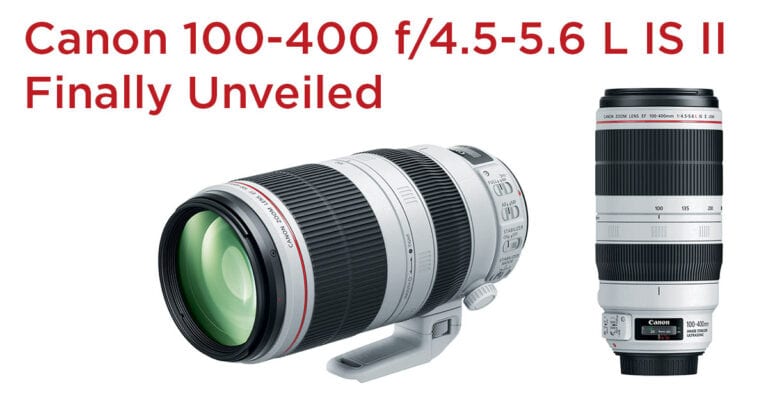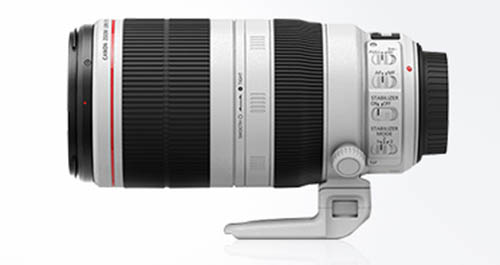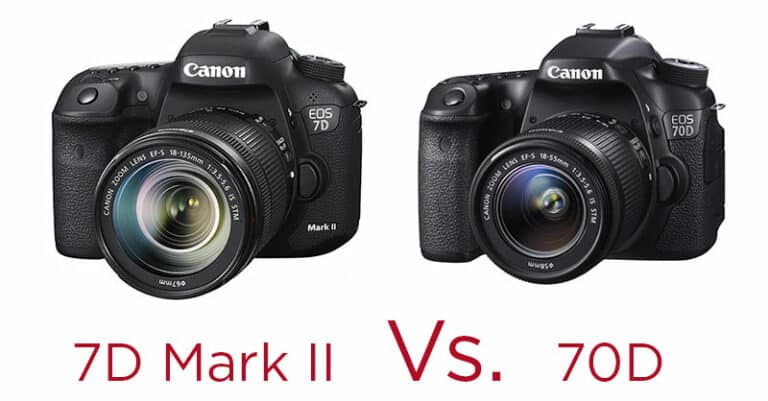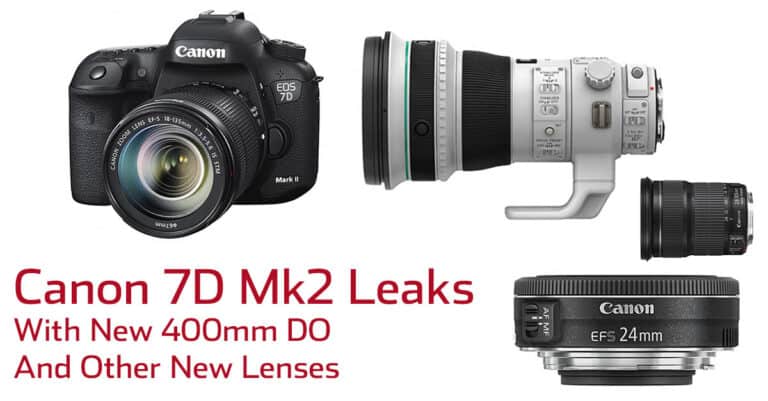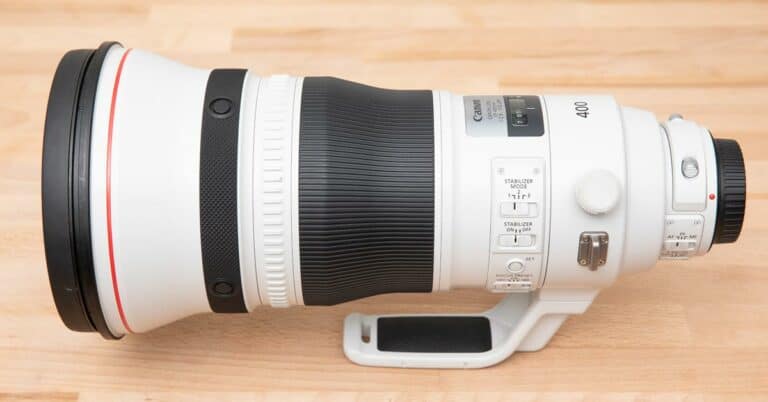
Canon have just launched another one of their specialist astophotography cameras providing “a modified infrared filter and a low-noise sensor with heightened hydrogen-alpha sensitivity”.  Given that this isn’t the first astro camera that Canon have launched there must be a market for it I guess!  It’s pretty cool that they would make such a specialist product though.

If this is your thing then B&H have the camera ready for pre-order already.

Continue reading »

UPDATE: This has now been confirmed by Canon themselves via their website. They also confirmed the 1DX is delayed until mid-June.  Why can’t they figure out timelines recently ?  The 5DIII launched on time and in impressive numbers, it seems that was a huge exception.

Disappointingly (and once again) one of Canon’s most anticipated new lens releases seems to have slipped down the time line.  Initial reports had it shipping on April 17th but upon inquiring to my local camera store about CPS pricing, the local Canon rep informed the store that this lens will not ship until July!

A couple of months back I had the chance to have some hands on time with this lens and it appears to be one fine piece of glass that I’m very excited to add to my kit, despite the very high price.  If the July date turns out to be true it does seem odd that so close to the anticipated date, the lens could slip a full quarter year but Canon has had a habit of doing this recently.  I’m still waiting for my new 500mm lens some 6 months after it was supposed to be on the market.

One of the things that I was happy to see at the launch of the Canon 5D MKIII was that they have kept the venerable LP-E6 battery that was first introduced more than three years ago with the MKII.  I’ve always been amazed at it’s capacity and in the last few years several third party accessory manufacturers have also adopted it for powering video equipment accessories such as LCD monitors of external video recorders.  Of course it’s also been used in the 7D and 60D!  In other words, if you are a Canon shooter then the chances are you have one of these batteries and the standard Canon battery charger lying around somewhere.  Wouldn’t it be nice if you could charge two at a time though like the Canon 1-Series battery chargers?!

Well this is where the Perastone Duo Charger comes in.  With it’s large and seemingly informative LCD display it certainly looks impressive at first glance and at a price of $79.95 should allow you to charge twice the batteries for the only slightly more than the single Canon charger.

The first thing you’ll notice when you go to plug in a battery is that the charger is generic and there is an LP-E6 mounting plate on top of it.  In theory this could be a nice feature as it makes it somewhat redundant and presumably possible to add extra adapters to the charger to deal with other types of batteries.  In practice though it’s a little annoying as the adapter plates often come loose, particularly when removing the battery after a charge.

The second thing I noticed was some very erratic information displayed on the LCD screen.  The screen should display the percentage power for each battery but for some reason it constantly jumped about between the correct information and 0%.  More often than not, a second battery would continually display 0% charge up until the point at which it began to charge (after the first one had finished).  Confusing and irritating.  I have since noted another review where the 0% phenomenon has been mentioned so it seems like it’s not limited to my unit.

All of these photos were taken just a few seconds apart.

Apparently it's 0% charged!

Now it's 100% !

Now what ? I'm not sure ....


The batteries seemed to charge well enough though but I found it hard to trust the information on the screen when it changes all the time.  For me though, the real deal breaker came when I packed this charger for a photo shoot in Europe.  EVERY manufacturers battery charger that I have ever used is perfectly capable of handling worldwide voltages.  It doesn’t matter if it’s the charger for a $300 point and shoot camera or one for a Nikon D4.  Plug it into any voltage from 110v to 250v anywhere in the world and you will be just fine.

Unfortunately this is NOT the case with the Pearstone Duo Charger.  For some inexplicable reason it will only work with 110v.  So there I was in Austria last week for a shoot, with this charger, and having plugged it into the European 240v outlet of course it did not work.  For me this is a total deal breaker.  I travel with my cameras, that’s what I do.  I don’t want to worry about which charger to take with me for which country, I just want one that works.  Trust me when I say that to find yourself in a rural location in a foreign country with the realization that you cannot charge your camera battery is huge pain in the butt!

If you honestly feel that you will never ever leave N.America with this charger , and you have a huge number of LP-E6 batteries to charge then it does work but quite honestly I’d rather buy two of the official Canon ones for $110 than this one with it’s limited usefulness and inaccurate LCD readout for $80.

Alongside the unveiling of the 5d Mark III, Canon have also unveiled a brand new flagship flash, the 600 EX.


Pricing and availability

The Speedlite 600EX-RT and Speedlite Transmitter ST-E3-RT are scheduled for availability at end of March 2012. The Wireless File Transmitter WFT-E7, GPS Receiver GP-E2 and Battery Grip BG-E11 are scheduled to be available by the end of April 2012.

  • Canon Speedlite 600EX-RT US: $629.99 / EUR: €699 / UK: £679.99
  • Canon Speedlite Transmitter ST-E3-RT US: $470 / EUR: €320 / UK: £309.99
  • Canon Wireless File Transmitter WFT-E7 US: $849.99 / EUR: €759 / UK: £789.99
  • Canon GPS Receiver GP-E2 US: $390 / EUR: €279 / UK: £299.99
  • Canon Battery Grip BG-E11 US: $490 / EUR: €380 / UK: £329.99

Press Release


LONDON, UK (March 2, 2012) – Canon today extends its range of acclaimed accessories, unveiling a number of new models designed to offer enhanced flexibility and new creative control to its professional and mid-range EOS Digital SLRs.

Sitting at the top of Canon’s range, the Speedlite 600EX-RT is Canon’s first flash unit to feature inbuilt wireless radio connectivity and replaces the advanced Speedlite 580EX II. Partnering with the new Speedlite Transmitter ST-E3-RT , this new model offers enhanced opportunities for photographers wishing to explore creative lighting techniques. In addition, Canon is also launching the BG-E11 battery grip, Wireless File Transmitter WFT-E7 and GPS Receiver GP-E2, which complement the newly-announced EOS 5D Mark III – offering increased versatility across a range of shooting situations – from studio portraits to field-based shoots – with a compact lightweight and affordable configuration.

Speedlite 600EX-RT: Taking creative flash further

The Speedlite 600EX-RT is a high-performance TTL flash unit designed to meet the expanding creative needs of modern professionals. Integrated radio frequency triggering, in addition to standard infra-red wireless flash control, allows photographers to achieve exciting results with complex on-and-off-camera lighting set- ups. Using one master 600EX-RT or the new ST-E3-RT radio-frequency wireless Speedlite transmitter, up to 15x 600EX-RT flash units, positioned up to 30m away, can be remotely triggered – offering great potential to experiment with more creative lighting techniques and effects. EOS cameras with a connected Speedlite 600EX-RT can also be triggered remotely by either model, allowing photographers to explore more extreme shooting angles to produce surprising and inspiring creative results.

Subjects over a wide range of distances can be lit creatively or evenly exposed, thanks to an increased guide number of 60m*1 and wide lens coverage of 20 – 200m. For wide- angle shots, a diffuser adapter can also reduce the focal length to 14mm and the bounce-and-swivel flash head creates more flattering, shadowless effects. Ideal for shooting portraits, a catch-light panel produces natural catch-lights in the eyes of a subject when shooting with bounce flash. Additionally, custom flash coverage options provide more creative scope by using guide number priority to light the subject, while creating slightly darker edges to the frame.

Like its predecessor, the Speedlite 600EX-RT communicates white balance settings to the camera through the hot shoe connection. However, to further balance flash and ambient light, a new colour filter adapter and two supplied colour gels can be fitted to balance the temperature of the flash and create a more natural effect when shooting around tungsten or mercury lighting. When shooting in dark conditions, photographers can also employ the AF-assist beam for accurate autofocus with lenses of 28mm or longer, ensuring the subject remains in focus when the flash fires.

Designed for professionals, the Speedlite 600EX-RT and Speedlite Transmitter ST-E3-RT feature a robust, weatherproof design matching that of the EOS-1D X, with a clear LCD display making it easy to select settings and switch between normal flash mode and wireless modes. Powered by four AA/LR6 batteries for added convenience, the Speedlite 600EX-RT offers fast, silent recycle times, allowing photographers to keep shooting and exploring creative lighting effects in all conditions.

WFT-E7: High-speed wireless control

The WFT-E7 is a new wireless file transmitter for a wide range of EOS models. For those who need to transfer their images quickly and easily, for example, photojournalists or sports photographers, the new WFT-E7 provides enhanced versatility through high- speed Wi-Fi and support for wired connectivity over Gigabit Ethernet. Featuring 802.11a/b/g/n support for file transfer speeds of up to 150mbps, and Bluetooth for linking to external GPS units, the WFT-E7 offers super-fast image transfer direct to an FTP server or even to a DLNA*2-enabled HDTV.

When creative shoots or harsh conditions require the photographer to control the camera from a distance, the WFT Server function of the WFT-E7 allows the camera settings and the scene framed in the viewfinder to be accessed and controlled through a web page on any internet-enabled device, such as smartphones, tablets or laptops. Camera settings can also be changed remotely via EOS Utility, allowing photographers to control and trigger the camera over a wired or wireless LAN connection.

The WFT-E7 has a lightweight design and can be attached to the bottom of the camera, to the new bracket AB-E1 or even to the strap. For added versatility, it also supports Linked shooting with up to ten other cameras, with Wireless Time syncing ensuring that the time across all slave devices is aligned with the master camera in order to maintain consistency across multiple units. During Linked shooting, the WFT server function can also be activated to allow easy remote access to the master and slave cameras for even greater creative control of lighting effects during multi-camera shoots.

GP-E2: Geo-tag your images with compact, lightweight GPS

Also launching today is the GPS receiver GP-E2 – a new compact, lightweight, high- performance hot shoe GPS unit which makes it easy for photographers to geo-tag their images. Compatible with the EOS-1D X, EOS 7D*3 and new EOS 5D Mark III, the GP-E2 tags photos with longitude, latitude and altitude data as well as the direction in which the shot was taken, adding information to the EXIF file of the image.

A GPS Logger function also allows photographers to track their route by downloading GPS data at regular intervals, whether the unit is attached to the camera body or stored in its case. Once back in the studio, photographers can tag their images with the GPS data stored in the log files and their route can be displayed using Google Maps or the bundled Map Utility software.

For improved accuracy and precision when recording the time of image capture, photographers can also synchronise the clocks of their cameras with the global atomic clock via UTC information downloaded from the satellite. This is particularly useful for professional photographers shooting with multiple EOS 5D Mark III bodies, who may wish to process all the images together and sort them according to the time each was recorded.


BG-E11: Improved handling for the EOS 5D Mark III

For photographers who want to shoot for longer with the EOS 5D Mark III, the new ergonomic battery grip BG-E11, doubles the battery life with two additional LP-E6 batteries, with the added flexibility of using AA batteries as an emergency back-up. For those who frequently shoot vertically, such as sports or portrait photographers, duplicate AF start, Focus point and AE-lock controls in addition to a second
Multi Controller and Control Dial make shooting vertically more comfortable and intuitive.

In keeping with the premium design of the EOS 5D Mark III, the BG-E11 is made of durable magnesium alloy and offers the same high standard of weather-proofing – ideal for harsher shooting environments.

Speedlite 600EX-RT Key features

• Guide number 60 (m, ISO 100, at 200mm)
• Radio triggering with 30m range
• Use up to 15 units together
• Infra-red wireless functionality
• Remote camera triggering
• Bounce-and-swivel head with zoom control
• White-balance correction filters
• Fast, quiet recycling

Speedlite Transmitter ST-E3-RT Key features

• Radio frequency remote flash trigger.
• Fire selected Speedlites from 30m away.
• Controls up to 15 flashguns.
• Remote camera triggering.
• Weather sealed against dust and moisture.

Wireless File Transmitter WFT-E7 Key features

• Supports IEEE 802.11n
• Built in Bluetooth
• Versatile design
• Easy Wi-Fi protected Setup
• FTP server transfer
• Remote control functions
• DLNA media server compatible
• Linked shooting

GPS Receiver GP-E2 Key features

• Hotshoe-mounted GPS unit for compatible EOS cameras.
• Embeds location and altitude data into each file’s metadata.
• Digital compass records heading information.
• Data logging mode.
• Portable design, powered by 1xAA battery.
• Accurately set camera’s time using UTC time.

Recently Canon announced the introduction of three new lenses to their EF lineup.  The long awaited 24-70 f2.8 L II finally broke cover as well as two wide prime lenses with IS, the first of their kind.  Much has been made about the projected $2300 price point for the new 24-70 though which is about $1200 more than you can currently get the previous version for.  In the last couple of years Canon have updated some old lenses and introduced some new ones, all of which I have found to be exemplary so my gut feeling is that for pros, the price point will be justified.  I was never that enamored with the wide open quality of the MKI version of this lens, it’s one of the few L series lenses that I have never owned so the prospect of a higher quality version is something I have looked forward to for some time.

Canon also showed the ‘first ever’ wide angle primes with IS, a 24mm f2.8 IS and a 28mm f2.8 IS.  I have to say this came of something of a surprise to and initially I wasn’t quite sure what I’d use these for but more on that in a minute as things become a little clearer when you have it in your hand.

EF 24-70 f2.8 L II

Unusually I was able to get my hands briefly on all three of these new lenses within a few days of their announcement.  Of course the first one I looked at was the 24-70.  Physically there have been some changes to the lens and it comes in noticeably lighter.  The weight difference is 150g , roughly 16% lighter but if you’d told me it was 25% lighter I would have believed you, perhaps something to do with the distribution of the weight.  Mounted to my 5dMKII it felt like a perfectly balanced package.  Another physical difference is the 82mm thread on the front element, up from 77mm on the previous version.  I remember the change from the old 16-35 f2.8  to the 16-35 f2.8 II which went through the same increase in diameter.  The end of the MKII 16-35 appeared a fair bit larger than its predecessor, with a bulge in the lens casing.  I’m happy to say though the the 24-70 doesn’t suffer from this at all.  I was worried it would seem a lot bulkier but actually it feels quite svelte and apart from the annoyance of all your 77mm filters no longer fitting, it’s a change that will go unnoticed by most.

Continue reading »

10mm shorter and 150g lighter than the previous version, the Canon 24-70 f2.8 L II will be available in April for approximately $2300.

Pre-Orders

B&H are taking pre-orders for the lens now!!  You will not be charged until it is shipped.

Key features


  • High-speed USM AF
  • Fluorine lens coating front and rear
  • 9-blade circular aperture
  • Three Aspheric lens elements
  • One Super Ultra-low Dispersion lens element
  • Two Ultra-low Dispersion (UD) lens elements
  • Minimum focusing distance: 0.38m at all focal lengths
  • Improved dust and weather resistance
  • Improved durability for daily use
  • Front of lens doesn’t rotate during focusing
  • Manual focus possible in AF mode
  • Only lead-free glass is used

Related Posts Plugin for WordPress, Blogger...
© 2010 Dan Carr Suffusion WordPress theme by Sayontan Sinha