
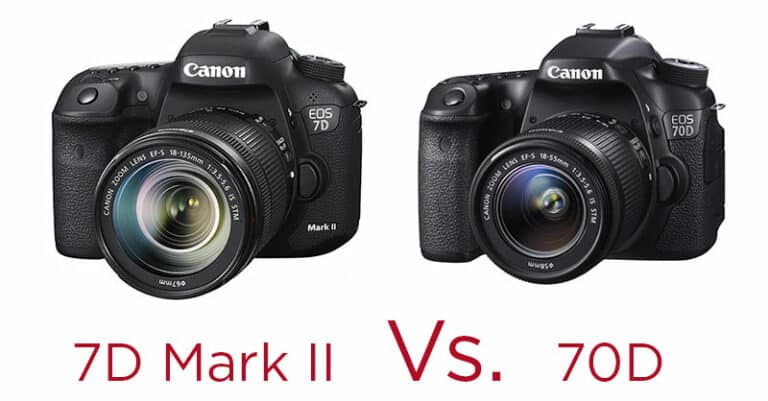
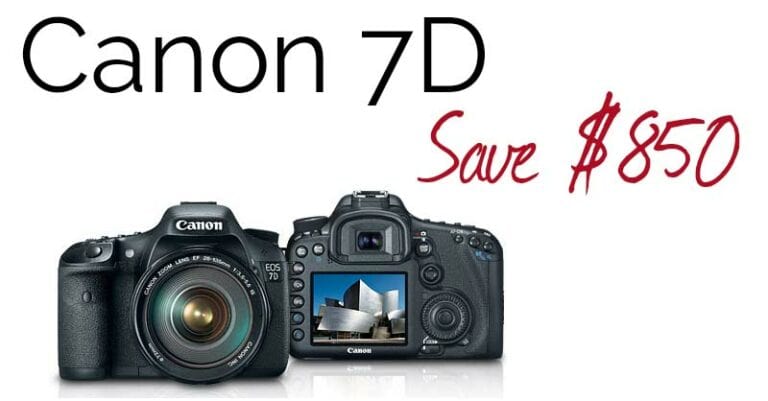
Browsing some websites and forums this morning I noticed a lot of discussion about the new Canon 60D and how it compares with the 7D. I can understand this, at first glance it might seem like the 60D has made the 7D somewhat obsolete but that really is not the case. A closer look at the specs reveals a camera that more carefully fits into the “advanced amateur” category than previous XXD line cameras because of course the 7D did not exist when the 50D was released. The camera that is best for you will depend partly on your budget (there is a $400 price difference) but also partly on your intended shooting medium. Video or photos ? This question is a new one that has to be considered with all of today’s cameras, as if we needed more right?! Many potential buyers will want to shoot both but I would wager most have a preference for one or the other. There is also the consideration that these days there are plenty of film makers who are looking to add HDSLRs to their shooting and often they do not care for the photo features. UPDATE: B&H has the 60D in stock right now while they last!! Continue reading »
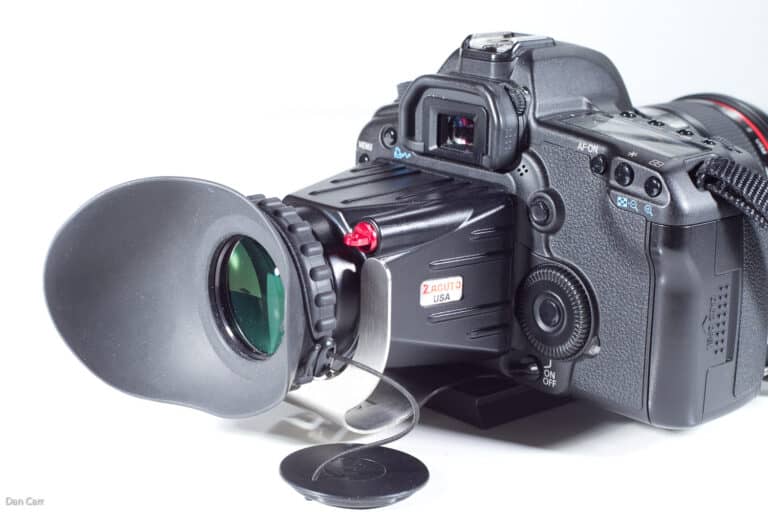
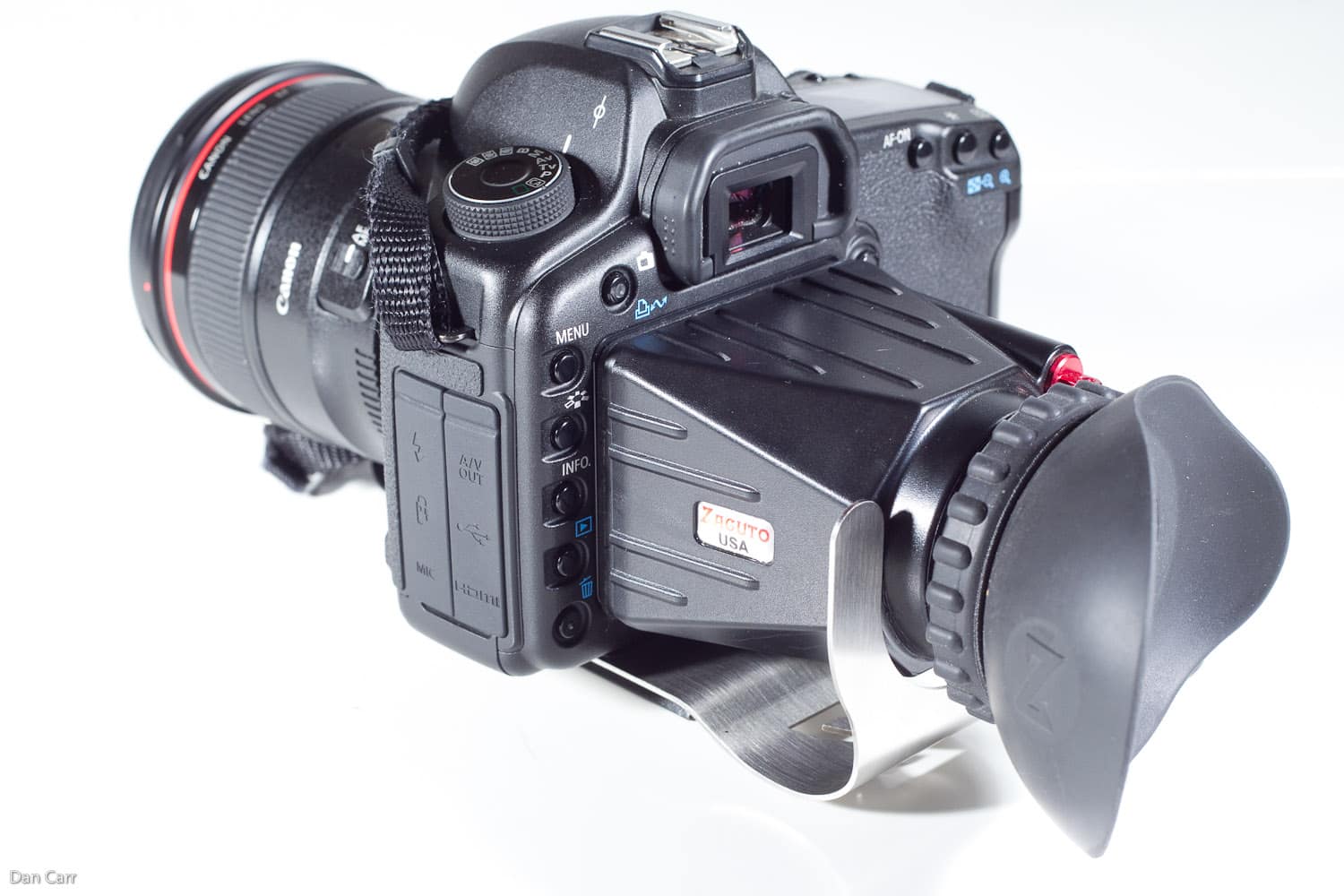
If you have taken more than a passing interest into the video capabilities of your DSLR camera then you will probably have thought about getting some sort of viewfinder for the LCD screen. With the DSLR cameras lacking the ergonomics of traditional video camera design, such viewfinders are probably the most useful accessory to aid video shooting. Not only do they permit easier manual focusing with a clear view of the screen, but they also add stability to hand held shooting with an extra point of contact to your body. Continue reading »
If you shoot video with a Canon DSLR you already know the audio sucks. Or even if you don’t, maybe you have read my guide to audio and microphones for these cameras ! Recording your audio separately is without a doubt the way to get the highest quality audio track but it adds a couple of daunting extra steps to your production. Firstly the simple process of making sure you record the audio and not just the video while you are shooting, 2 record buttons to press! And secondly syncing that audio to your video track in post-production. I guess you could also add in an extra middle process in there of keeping all the audio files organized in a way that you can relate them to the video clips. This all sounds pretty time consuming but for the last year or so lots of people have been singing the praises of a piece of software called PluralEyes from Singular Software. Available as a plug-in for Final Cut, Premiere and Vegas, it takes your the audio track that is associated with your video track and automatically analyzes the waveform to match it up with your second separately recorded audio track. Great if you have one of those 3 editing programs, but consumer video users were left out in the cold. Not any more though…… DualEyes is a new program in beta testing from Singular. And rather than being a plug-in, it is now a totally separate program meaning that anyone can use it all the way from iMovie makers to pros already using Final Cut , but wanting a more streamlined workflow for audio syncing. Take a look at the demo video that they posted on their website, it really looks very easy and would be perfect to use with the new Zoom H1 audio recorder or the H4N.

This post is sort of a prelude to a review that i’ll be writing in the next couple of weeks. Recently the folks at IKAN sent me one of there v5600 to test out while I have been shooting some video with my 7d and 5d. When I started to take down some notes I realized that there are a few things to be said about using external monitors with these cameras and some of them are characteristics of the cameras and therefore independent of the type of monitor you are using. I found myself trying to figure out what was caused by the camera and what was the monitor so In order to not confuse the review at all, here are some things worth knowing……


